Will a Card Reader from Jessops Work with Your Memory Card and Computer?
Match your memory card, computer connection and supplied cables before buying a reader from Jessops. Compare the complete setup cost with Currys.
On this page
A card reader is a small purchase that can create a surprisingly awkward mismatch: the card fits, but the cable does not connect to your laptop, or the reader supports a different card family altogether. Before buying from Jessops, check the route from the card in your camera to the files on your computer.

Start with the card you already own
Write down the complete format printed on the card and in your camera manual. Look for a reader that explicitly supports that format. A description such as “dual slot” tells you how many slots there are, not which combination you are getting.
For example, the Lexar Professional CFexpress Type B / SD USB 3.2 Gen 2 reader listed by Jessops combines one CFexpress Type B slot with one SD slot. That is a specific pairing. Do not buy it on the assumption that the CFexpress slot covers every CFexpress type, or that a separate microSD slot is included.
If all your photographs are on full-size SD cards, make an SD reader your starting point for comparison. An extra card format has value only if you use it or have a definite equipment change planned. Paying for an imagined future camera can leave today’s simple transfer job unnecessarily expensive.
Check the computer end before adding an adaptor
Identify the available connection on the computer you actually use, then read the reader’s contents list. The Jessops Lexar listing includes both USB Type-C to Type-C and USB Type-A to Type-C cables. Buying a separate cable without checking that list would duplicate a supplied item.
Also check the manufacturer’s operating-system requirements and the computer’s port specification. Connector shape alone is not a promise of a particular transfer speed. Treat an advertised “up to” rate as a maximum under the stated conditions, not a guaranteed time for copying a whole shoot.
Decide whether a new reader solves a real problem
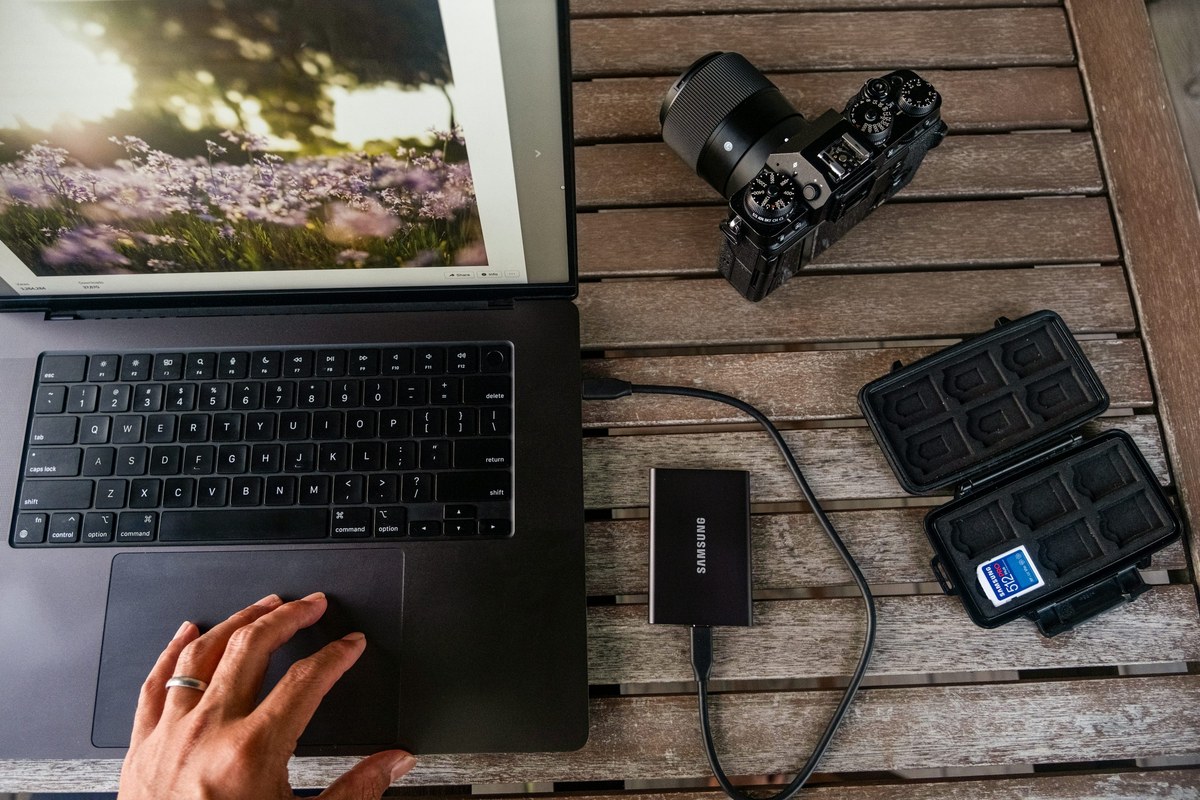
Before ordering, try a normal import using a compatible reader or built-in slot you already have. Note what is inconvenient: an unsupported card, a missing connection, a bulky accessory or a transfer that regularly delays your work. That observation gives you a useful buying requirement.
For occasional holiday photographs, a working existing setup may be sufficient. For frequent large imports, compare the specifications of the card, reader and computer together. A premium reader should have a clear job in your workflow; a bigger number on its packaging is not a saving by itself.
Compare complete, compatible baskets
Currys lists a SanDisk UHS-I USB 3.0 SD card reader, making it a relevant alternative to investigate for an SD-based setup. Check its exact supported cards and connection against your requirements, then consult the Currys discount code page for any applicable offer. It is not an equivalent replacement for a reader you need specifically for CFexpress Type B.
Compare the reader price plus any genuinely necessary cable or adaptor and delivery. Check dispatch availability separately from whether an order button is present. Once the correct Jessops model is selected, the Jessops discount code page is the place to look for eligible offers; confirm any reduction in the basket.
Keep a short purchase checklist: exact card format, computer connection, required system support, included cables and delivered total. A reader that passes all five checks is a more useful purchase than a discounted one that needs replacing.
Sources checked 28 November 2026: Jessops Lexar product details and Currys SanDisk product details. Product ranges and availability can change.