Which SD Card at Jessops Does Your Camera Actually Need?
Choose an SD card for your camera’s recording mode, estimate the capacity you need and compare the full purchase cost at Jessops and Currys.
On this page
A faster or larger SD card can be useful, but the best place to start at Jessops is the camera you already own. Write down its exact model, the file type you usually shoot and the video setting you intend to use. Those details narrow the choice more effectively than choosing the card with the largest speed number on its label.

Check the camera name and recording mode first
Canon’s EOS R50 provides a useful example. Its specification manual specifies SD, SDHC or SDXC cards and a UHS-I card slot. For 4K at 25 frames per second using IPB Standard compression, Canon requires UHS Speed Class 3 or higher. Other recording modes have different requirements. Match the row for your intended setting before comparing prices.
The extra letter in a model name matters. The EOS R50 V supports UHS-II as well as UHS-I, and its manual requires V60 or higher for certain cropped 4K recording modes. An accessory bought for an R50 therefore needs another compatibility check before you move it to an R50 V. Photograph the model label or save the relevant manual page before visiting a shop.
Separate recording speed from transfer speed
U3 and V30 are speed-class markings. Each refers to a minimum writing performance of 30MB/s under its respective standard. Follow the type of class the camera maker requests. A card can carry several markings, which helps you match it to different supported devices.
A prominent figure such as “up to 200MB/s” often describes maximum read speed. That can help when transferring files to a computer, but it does not mean every recording is written at that speed. The SanDisk Extreme PRO UHS-I data sheet lists up to 200MB/s reading and up to 90MB/s writing for the 64GB card. Reaching the advertised read speed also requires compatible equipment.
For occasional still photographs and short clips, start with the performance your camera needs. If you regularly transfer a full card before editing, a faster card and suitable reader may save waiting. Price the reader as part of that upgrade if your current equipment cannot take advantage of it.
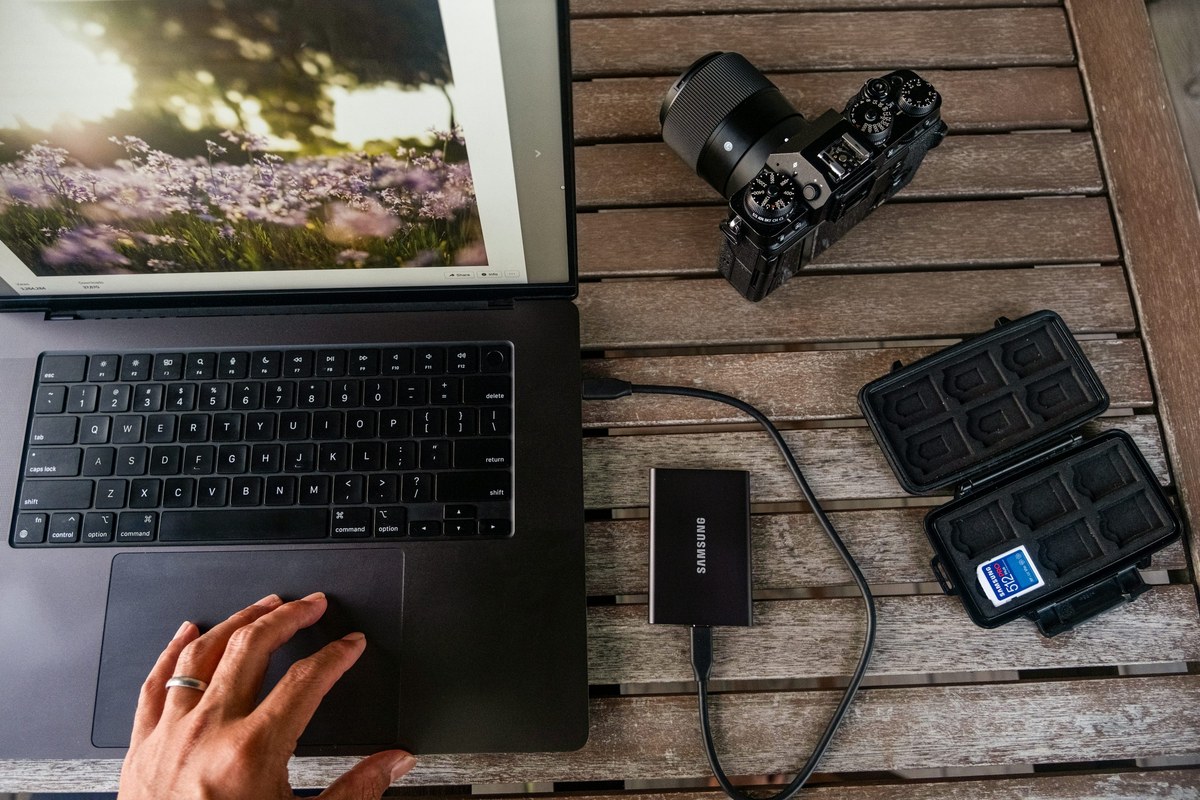
How much capacity will your next outing use?
Look at a recent folder of photographs taken with the settings you plan to use. If 400 photographs occupy 12GB, the average is about 30MB each. A similar outing with 1,000 photographs would use roughly 30GB before allowing for video or additional shots. This is an illustrative calculation, so repeat it with your own files. RAW plus JPEG will occupy a different amount from JPEG alone.
With HDR PQ switched off, Canon’s R50 table estimates about 35 minutes of 8-bit 4K IPB Standard footage on a 32GB card, compared with about 2 hours 21 minutes on 128GB. These are total storage estimates for that mode, and each individual recording remains subject to the camera’s recording limits. A few family clips and an afternoon of filming create quite different capacity needs.
A lower price per gigabyte can still mean spending more than you need. In an illustrative comparison, a suitable 64GB card at £20 costs about 31p per advertised gigabyte. A 128GB version at £32 costs 25p per gigabyte, but requires another £12 today. Decide whether the extra space will be useful before paying for it. Leave room for unplanned photographs and make time to copy your files between outings.
Compare the whole card specification at checkout
When checking a Jessops discount code, keep the card’s capacity, speed class and exact product version beside the basket. Confirm whether the offer includes memory cards and add any delivery charge or collection journey to the price. Buying extra storage purely to meet a spending threshold changes the purchase you set out to make.
Currys is a relevant comparison for full-size SD camera cards. On 7 November 2026 it listed the 64GB SanDisk Extreme Pro Class 10 SDXC card at £61.99, with standard delivery advertised free above £40. Its page showed both 170MB/s and 200MB/s descriptions, so confirm the exact version before treating another listing as identical. The manufacturer’s model number is a better comparison than the word “Pro”.
If that version matches your Jessops choice, check whether a Currys discount code changes the final amount and whether the collection or delivery date suits your outing. Once the card meets your camera’s requirements and holds the work you expect to shoot, you have a useful basis for comparing the two totals.